(Optional) Enable AI pipelines
You must prepare your workshop environment to use ai pipelines.
| If you do not intend to complete the pipelines section of this workshop, you can skip to the next section, Set up Kueue resource. |
Later in this workshop, you implement an example pipeline by using the JupyterLab Elyra extension. Elyra enables you to create a visual, end-to-end pipeline workflow that runs in OpenShift AI.
-
You have installed local object storage buckets and created connections, as described in Configure storage credentials.
-
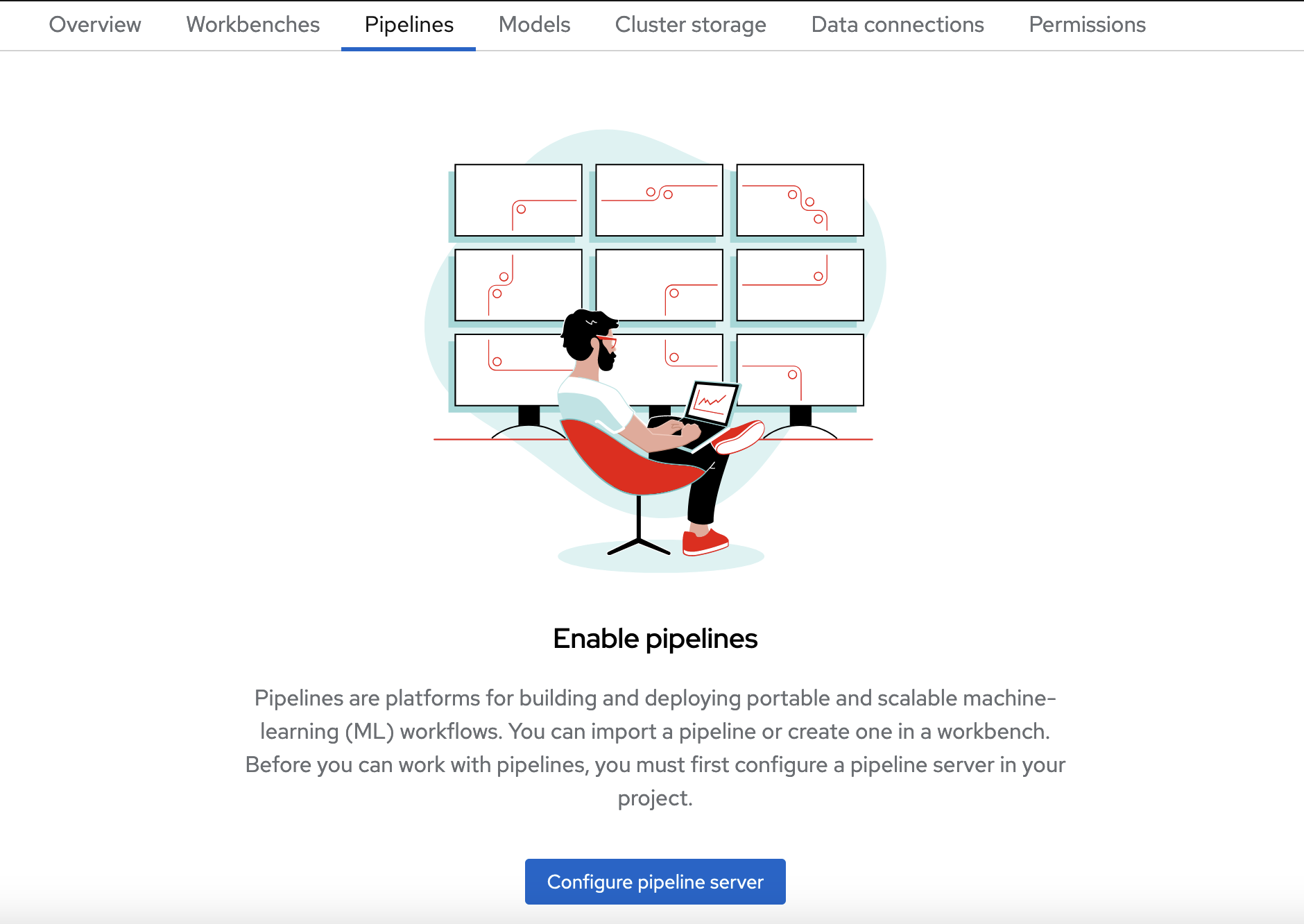
In the OpenShift AI dashboard, on the Fraud Detection page, click the Pipelines tab.
-
Click Configure pipeline server.
-
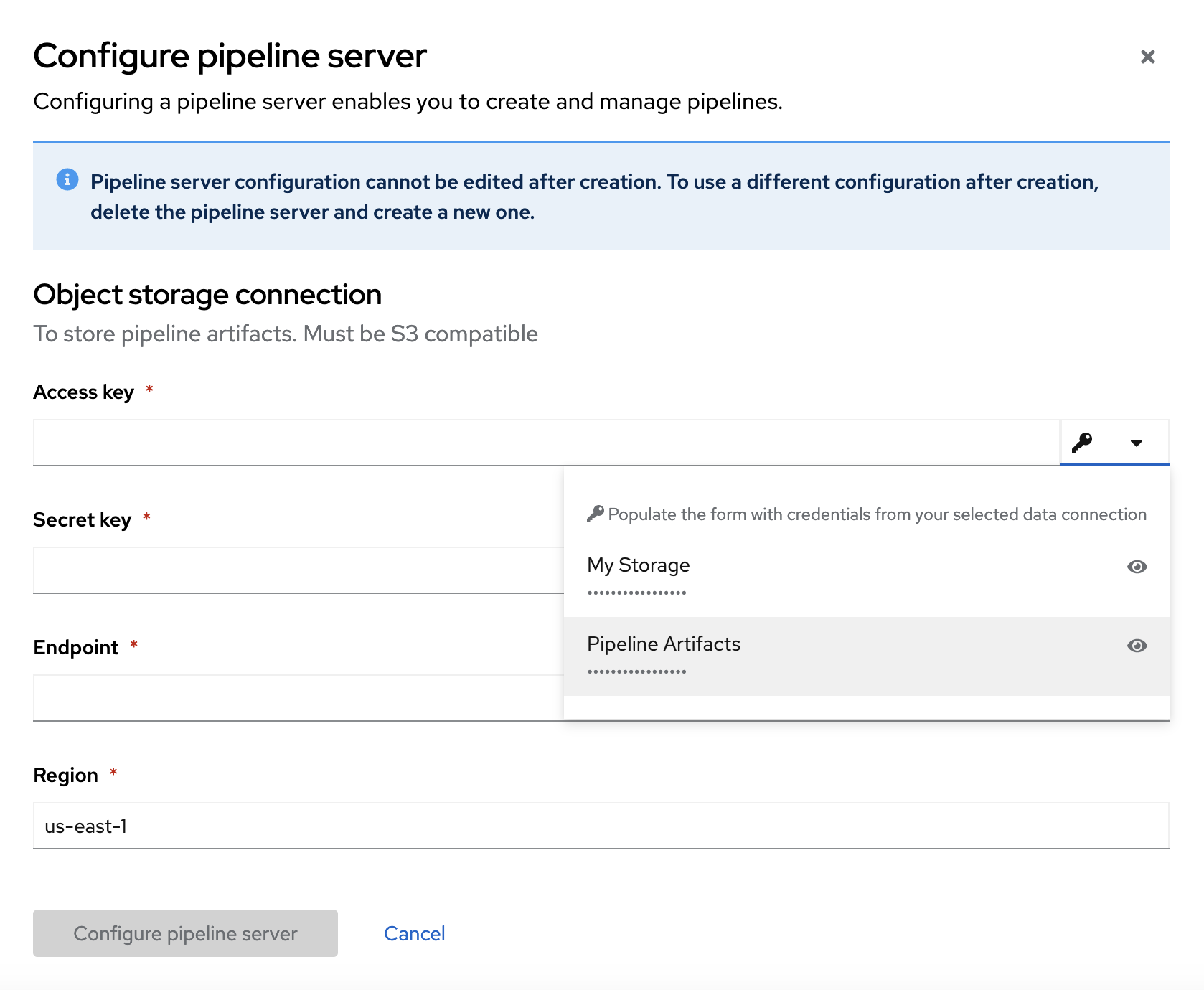
In the Configure pipeline server form, click Autofill from connection and then click Pipeline Artifacts.
The Configure pipeline server form fills with credentials for the connection.
-
In the Advanced Settings section, leave the default values.
-
Click Configure pipeline server.
-
Wait until the loading spinner disappears and Start by importing a pipeline is displayed.
You must wait until the pipeline configuration is complete before you continue and create your workbench. If you create your workbench before the pipeline server is ready, your workbench cannot submit pipelines to it.
-
You can click View progress and event logs.
If you have waited more than 5 minutes, and the pipeline server configuration does not complete, you can click Cancel pipeline server setup and create it again.
You can also ask your OpenShift AI administrator to verify that they applied self-signed certificates on your cluster as described in Working with certificates (Self-Managed).
-
-
Navigate to the Pipelines tab for the project.
-
Next to Import pipeline, click the action menu (⋮) and then select Manage pipeline server configuration.
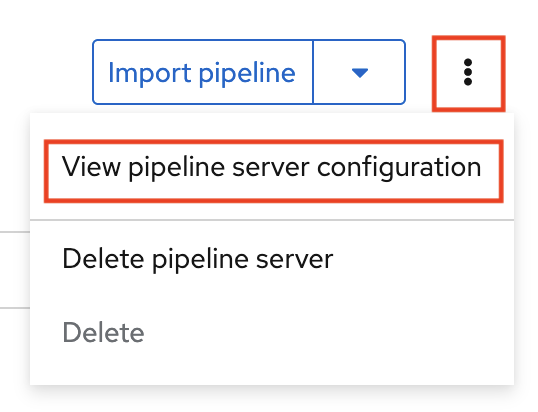
An information box opens and displays the object storage connection information for the pipeline server.
If you want to complete the Distribute training with the Training Operator section of this workshop, go to Set up Kueue resource.
Otherwise, skip to Create a workbench.