Prepare the model for deployment
After you train a model, you can deploy it by using the OpenShift AI model serving capabilities. Model serving in OpenShift AI requires that you store models in object storage so that the model server pods can access them.
To prepare a model for deployment, you must move the model from your workbench to your S3-compatible object storage. Use the connection that you created in the Configure storage credentials section and upload the model from a notebook.
-
You created the
My Storageconnection and have added it to your workbench.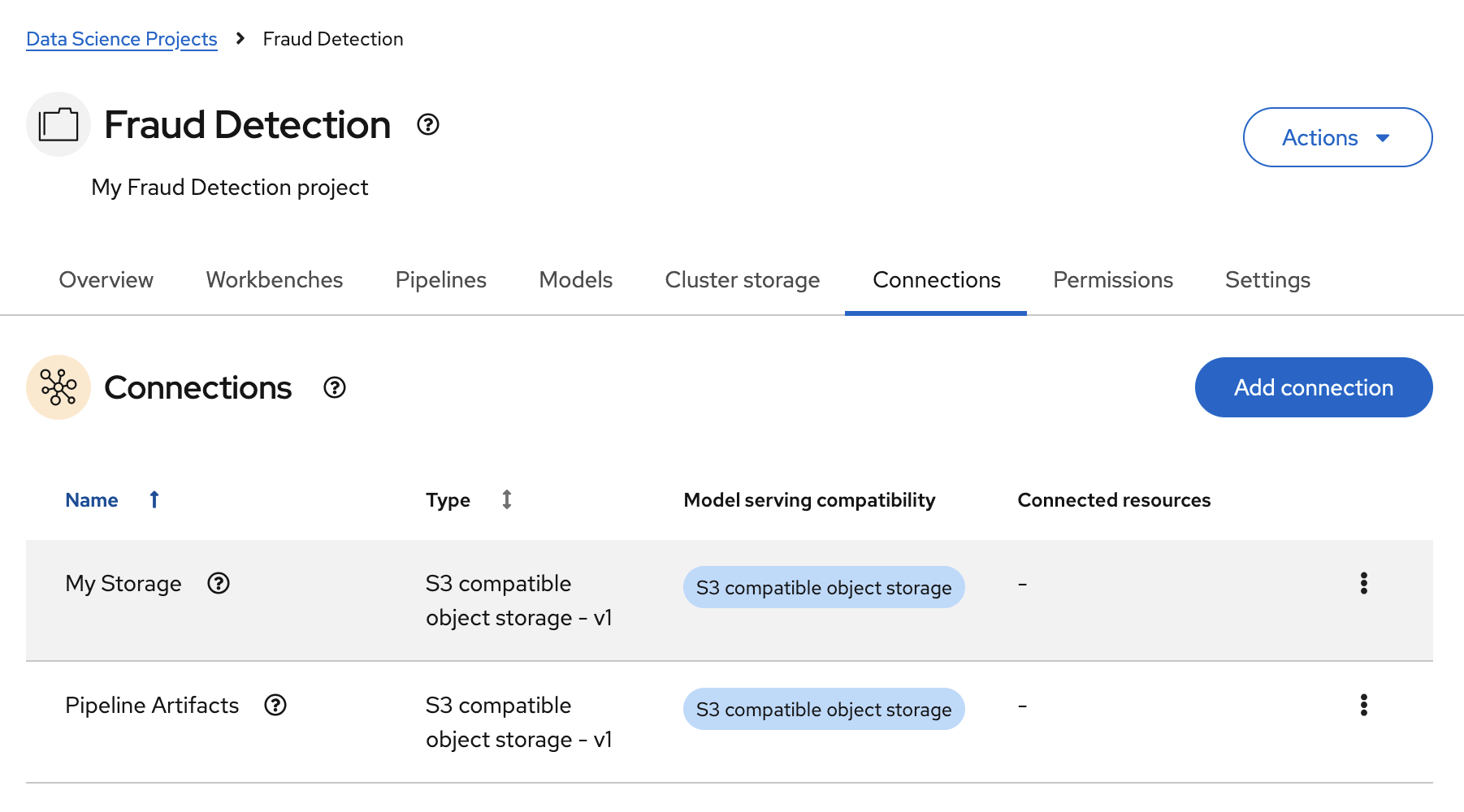
-
In your JupyterLab environment, open the
2_save_model.ipynbfile. -
Follow the instructions in the notebook to make the model accessible in storage.
When you have completed the notebook instructions, the models/fraud/1/model.onnx file is in your object storage and it is ready for your model server to use.