Distribute training with Ray
You can use Ray, a distributed computing framework, to parallelize Python code across many CPUs or GPUs.
NOTE: Distributed training in OpenShift AI uses the Red Hat build of Kueue for admission and scheduling. Before you run a distributed training example in this tutorial, complete the Kueue resource setup tasks.
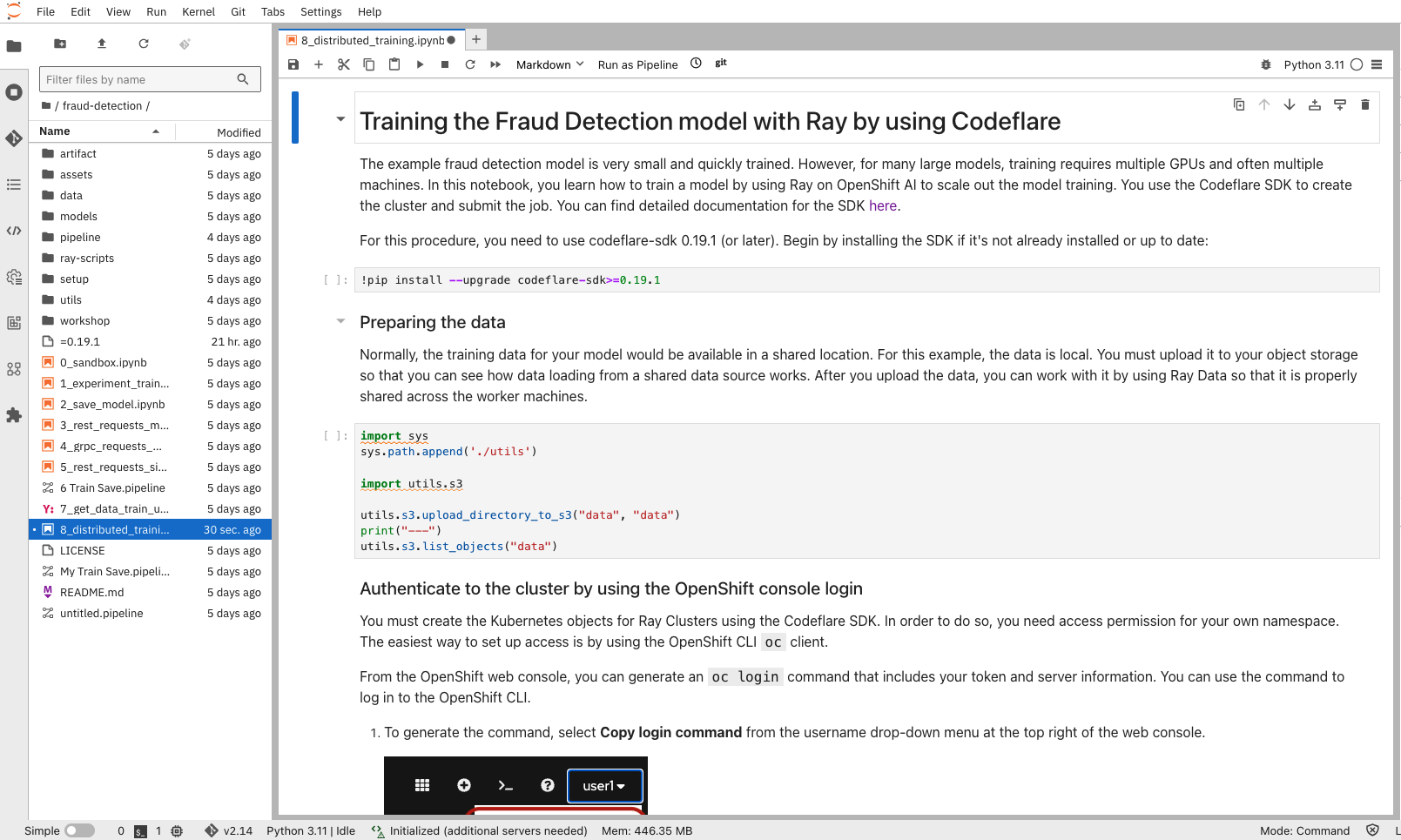
In your notebook environment, open the 6_distributed_training.ipynb file and follow the instructions directly in the notebook. The instructions guide you through setting authentication, creating Ray clusters, and working with jobs.
Optionally, if you want to view the Python code for this step, you can find it in the ray-scripts/train_tf_cpu.py file.
Additional resources